
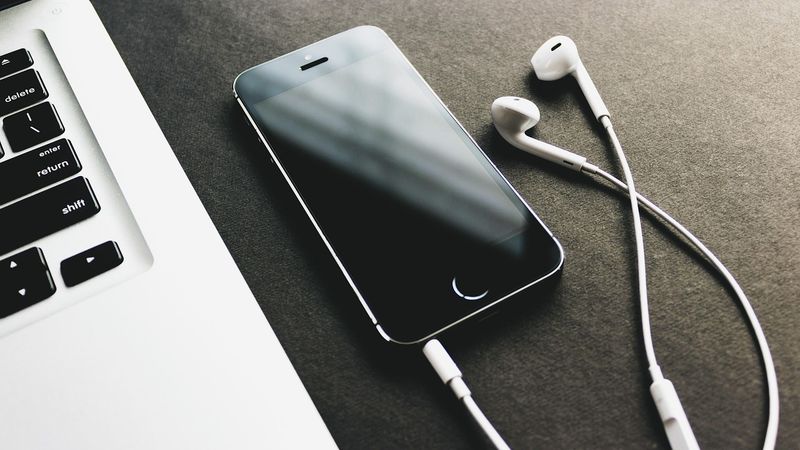
Playing music is for musicians, and tinkering with computers or dealing with PCs and laptops is clearly for computer enthusiasts. In reality, that's not always the case; music lovers can still enjoy music through a PC or laptop. So, can computer enthusiasts also play music using their beloved computers? Of course, everything can be done simultaneously, allowing computer enthusiasts to play music and musicians to also play music through their computers.
Here's how to transform your PC or laptop into a keyboard (or 'organ,' as most people call it). First, let's get to know the software related to both music and computers. Popular software currently includes: neuwindow, qubes, and sonar. The software mentioned above is used for recording processes that conclude with mixing, which involves refining songs or music to make them sound more polished.
Among these three, the third software, "Sonar," is widely used by visually impaired friends due to its accessibility, equipped with JAWS scripts that assist in reading the Sonar software. However, what I want to tell you is not about those software programs. Here, I will share my experience in transforming my computer into a keyboard/organ that can play styles similar to those on Yamaha PSR, Roland, KN, or other types of keyboards.
Well, to transform your computer, whether it's a PC or a laptop, you'll need to install a specific software on it. This is what I mentioned earlier: musicians and computer lovers can pursue their respective hobbies by complementing each other. Those who want to play music, especially the organ, and are computer enthusiasts, can now play the organ on their computers.
Similarly, musicians who want more practicality when performing can simply bring a laptop and play the music they love. That software is One Man Band (OMB). Once the software is installed on your PC or laptop, you can start playing the organ. Playing it is quite easy; you don't need to deal with complicated programming languages. The keys on your computer or laptop keyboard will transform into musical notes, just like on an organ.
Qwertyuiop, and 235, and so on, will also become notes. Meanwhile, F1, F2, F3 keys are for playing styles with major chords, and F5 for minor chords, and so forth. So, when you press F1 on your PC/laptop keyboard, the music starts playing with its rhythm because a style is being triggered. To play an intro, you can press the G/H keys, fill-in with the spacebar, and explore several other keyboard functions after installing OMB.
Go ahead and download the software, study its guide, and ask 'Mbah Google' (Grandpa Google) if you have questions. Start playing your favorite music and let your computer refresh your mind, because now it can be used to play music. You can download the file directly here: computer organ software